
Sharpen Motion Blur Frame Restoration
Clean up heavy pixelation, blocky compression and missing detail so faces and objects are easier to recognise again. You can see the improvement in a full-screen preview before deciding whether to unlock the final download.
This page focuses on this particular kind of damaged or unclear picture. If your photo has a similar problem, you can send it to the workbench, check the on-screen preview, and only pay if you feel the restored version is worth keeping.
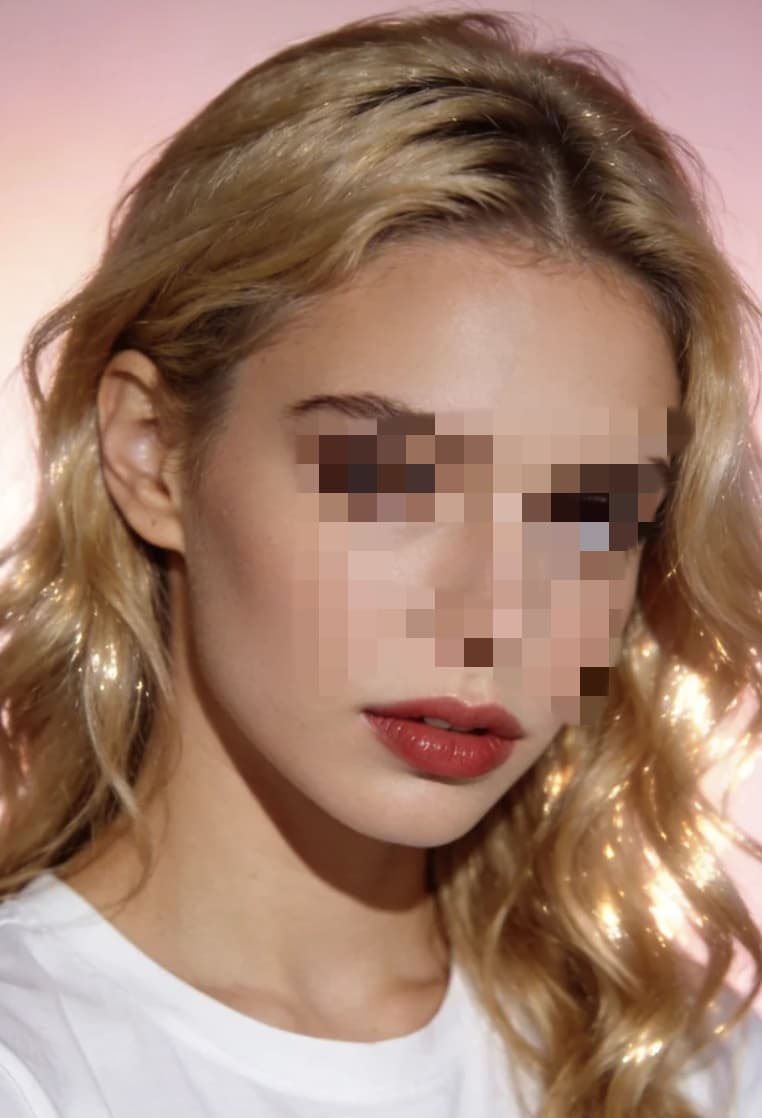

1) Upload image file in the Workbench (10MB max).
2) Process a watermarked preview.
3) Unlock clean result at $1.90 per image or 3 for $4.90.
Open Workbench- Motion-blurred frames requiring sharper details
- Moving subjects with smeared edges
- Fast-scene captures with weak structure
- Frames where object contours need recovery
• The important parts of the face or object are still there, just hidden by blocks, blur or compression.
• You can roughly recognise who or what is in the picture, but you wish it looked clearer and more natural.
• You have no higher quality original and need to get the best possible version out of what you already have.
Related Pages
View all categoriesQ: Will my restored image be stored long term?
A: PixClear AI is designed for prompt download. We do not provide account-based long-term storage in this flow.
Q: What if my sharpen motion blur frame restoration still looks rough after preview?
A: You can simply skip the unlock and try a different frame or photo. The preview is there so you do not have to commit if the improvement is not good enough for this particular image.